PDFs are now part of daily remote communication across freelancers, agencies, educators, legal teams, and distributed businesses. Contracts, onboarding documents, proposals, branded presentations, approval forms, and shared reports move constantly through cloud platforms and messaging apps. People expect browser accessibility now, not software tied to one machine or long installation processes. Editing speed, file sharing, and workflow continuity affect productivity directly. PDF tools are no longer just editing utilities but part of broader remote workflows.
Modern PDF platforms solve very different workflow problems depending on how teams handle documents. Some focus on lightweight browser editing and fast watermarking. Others prioritize approvals, annotations, signatures, automation, collaboration, or structured document routing. Interface clarity, browser convenience, cloud integration, and workflow flexibility often matter more than oversized feature lists. The seven tools below approach online document handling from noticeably different angles. Here is how they compare.
Top 7 PDF Platforms Built for Modern Workflows
Browser-based PDF workflows now extend far beyond simple editing or conversion tasks. Some users prioritize lightweight browser access and quick file handling. Others need collaborative reviews, approvals, automated document routing, or structured business workflows. The platforms below solve different workflow problems instead of repeating the same editing experience. Here is a quick preview:
- Watermarkly for fast browser watermarking and lightweight file handling;
- Lumin PDF for collaborative reviews, annotations, and remote approvals;
- PDFescape for simple browser editing and lightweight document adjustments;
- Soda PDF Online for balanced editing, sharing, and remote workflows;
- Zoho Writer for collaborative document ecosystems and cloud workflows;
- Formstack Documents for automation, approvals, and recurring document routing;
- DocuSign for signatures, enterprise approvals, and structured remote processes.
Each platform below fits a different type of remote workflow depending on how documents move between teams, clients, and cloud environments.
1. Watermarkly
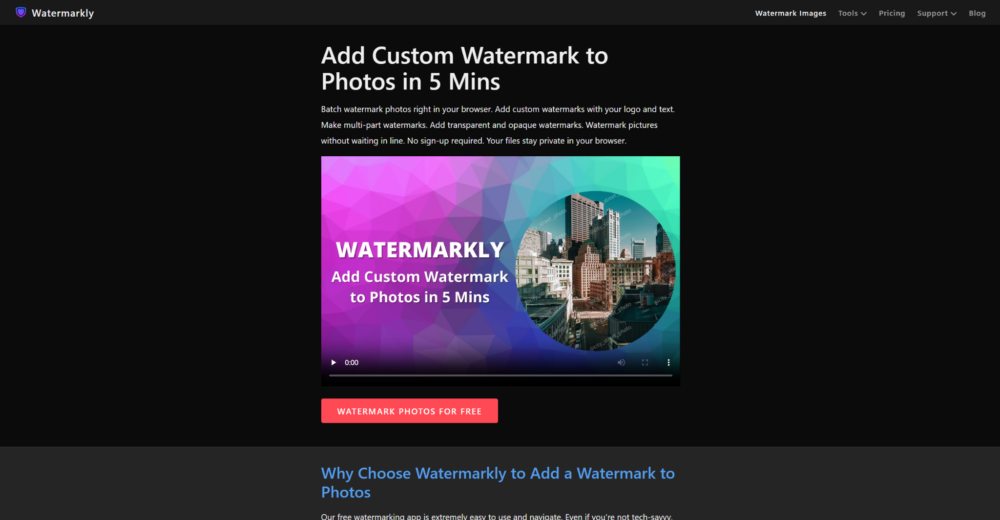
Watermarkly is a browser-based PDF platform built around fast watermarking and lightweight editing workflows. You can add text or logo overlays without registration or software installation. The interface stays approachable for beginners while still supporting repetitive editing sessions efficiently. Freelancers, educators, creators, and small businesses regularly sharing branded documents online will find the speed-first workflow useful. The platform prioritizes simplicity instead of overloaded workflow systems.
Works Especially Well For
Watermarkly fits users handling branded PDFs, educational files, presentations, client materials, and lightweight editing tasks throughout the day. The platform works especially well when people want direct browser editing without navigating large document ecosystems or complicated onboarding systems. Simplicity becomes part of the workflow advantage rather than a limitation.
Watermarkly removes many of the small interruptions that usually slow down repetitive browser editing sessions. The platform keeps the workflow clear and easy to follow, even when users process several files during the same session. Key advantages include:
- Browser-based PDF watermarking with no installation;
- Support for both text and logo overlays;
- Batch processing across multiple PDFs;
- Mobile support with free daily processing options;
- Additional resizing, cropping, and compression tools.
Watermarkly feels practical because it avoids unnecessary complexity. Users spend more time working with files and less time navigating menus, setup screens, or account-heavy systems.
2. Lumin PDF
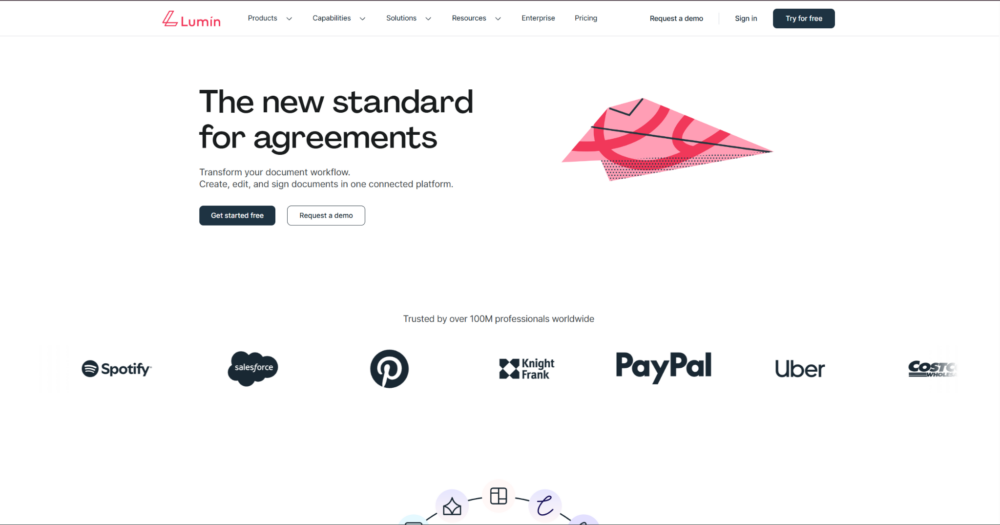
Lumin PDF is a browser-first platform focused heavily on collaboration, signing, annotation, and cloud-connected workflows. The interface feels lightweight while still supporting structured document handling for remote teams and shared editing sessions. The platform integrates naturally into browser-based communication and cloud sharing routines. Distributed teams, collaborative reviews, and remote approvals will find this useful. Accessibility remains central to the workflow design.
Where It Fits Naturally
Lumin PDF works especially well for remote teams, educators, agencies, and businesses that frequently review or approve shared PDFs online. The platform becomes more useful when several people interact with the same document during the same workflow. The cloud-first approach helps reduce friction inside collaborative environments.
The platform becomes especially practical when reviews, signatures, and document feedback happen across multiple users and devices. Strong points include:
- Browser-first annotation and signing tools;
- Cloud-connected document collaboration;
- Lightweight interface for shared workflows;
- Accessible handling for remote approvals;
- Real-time interaction across multiple devices.
Lumin PDF fits teams prioritizing collaboration and browser accessibility over heavier office-style document systems. The workflow stays streamlined without becoming overly limited.
3. PDFescape
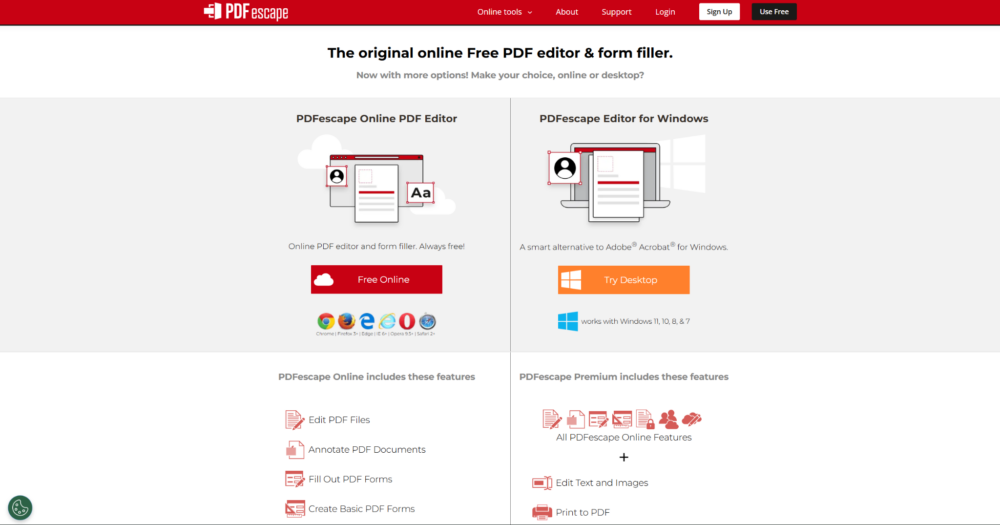
PDFescape is a lightweight browser PDF editor centered around accessibility and quick editing workflows. Annotation, forms, watermarking, and basic document handling exist inside a relatively simple environment. The platform avoids complicated onboarding and keeps editing straightforward. Casual editing, remote adjustments, and browser-first file handling all work well here. The workflow feels intentionally lightweight rather than feature-heavy.
A Good Match For
PDFescape works best for users handling lightweight edits, forms, annotations, or occasional document adjustments without needing advanced business systems. The platform becomes especially useful when fast browser access matters more than highly structured document workflows. The simplicity helps users move quickly between tasks.
PDFescape becomes practical when you care more about quick editing access than large workflow ecosystems or office-style document management. Key features include:
- Browser-based editing without heavy setup;
- Annotation and form handling tools;
- Accessible interface for casual editing;
- Lightweight workflow for quick adjustments;
- Practical browser-first document handling.
PDFescape feels especially approachable for users wanting uncomplicated editing workflows. The platform avoids unnecessary complexity and keeps the browser experience direct.
4. Soda PDF Online
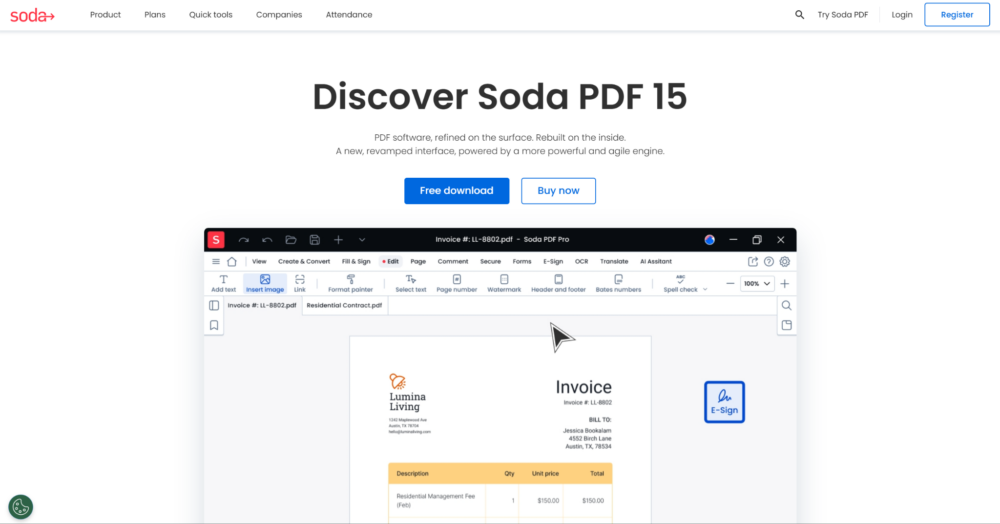
Soda PDF Online balances editing, sharing, signing, and document organization inside one browser-based environment. The platform feels more structured than lightweight editors while still remaining approachable for remote workflows. The interface supports recurring document handling without becoming too technical. Office-style workflows, shared files, and browser-based business editing all fit here. The platform balances accessibility with broader workflow control.
Most Useful In These Workflows
Soda PDF Online works especially well for recurring document editing, approvals, file sharing, and browser-based business workflows where consistency matters. The platform becomes practical when users want broader functionality without moving into highly technical systems. The workflow feels balanced rather than overloaded.
The service becomes especially practical when you need several document actions available inside the same browser workflow. Advantages include:
- Browser-based editing and signing tools;
- PDF conversion and sharing functions;
- Structured workflow for recurring document tasks;
- Accessible interface for mixed document handling;
- Balanced environment for remote workflows.
Soda PDF Online fits users looking for a middle ground between lightweight editing tools and heavier document management systems. The platform supports broader workflows without feeling overwhelming.
5. Zoho Writer
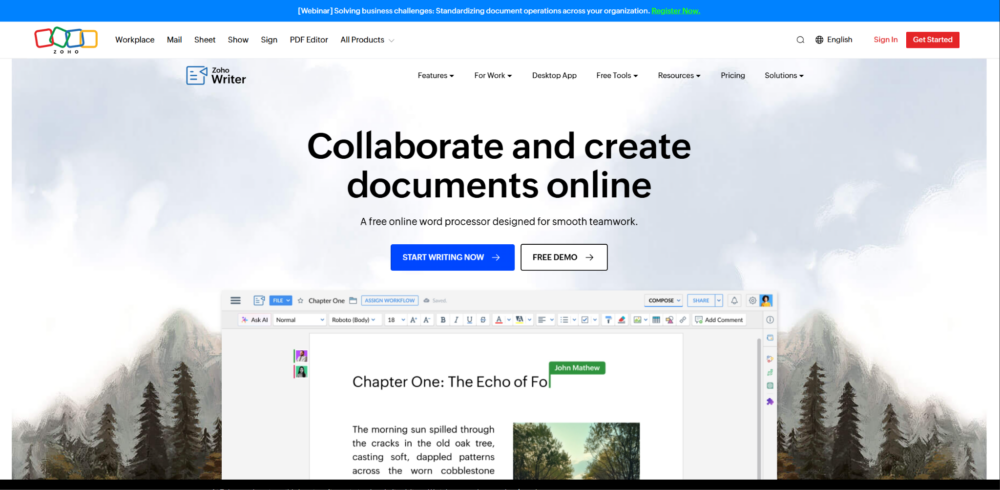
Zoho Writer is a browser-based document platform centered around collaborative workflows and connected office environments. PDF handling exists alongside document creation, editing, approvals, and cloud-connected teamwork. The platform feels more like a shared workspace than a standalone PDF editor. Distributed teams, remote business operations, and collaborative document routines will find this useful. Workflow continuity remains central to the experience.
Strongest Use Cases
Zoho Writer works especially well for teams constantly reviewing, editing, approving, and sharing documents across cloud platforms and collaborative workspaces. The platform becomes more useful when several people interact with the same files during connected workflows. The shared environment helps teams stay aligned throughout the editing process.
The platform becomes especially valuable when collaboration extends beyond simple editing tasks. Key features include:
- Browser-based collaborative document workflows;
- Cloud-connected editing and sharing tools;
- Structured handling for remote business routines;
- Workflow continuity across shared environments;
- Multi-user collaboration and document reviews.
Zoho Writer works best for teams treating documents as part of broader collaborative workflows rather than isolated editing sessions. The platform supports long-term workflow continuity naturally.
6. Formstack Documents
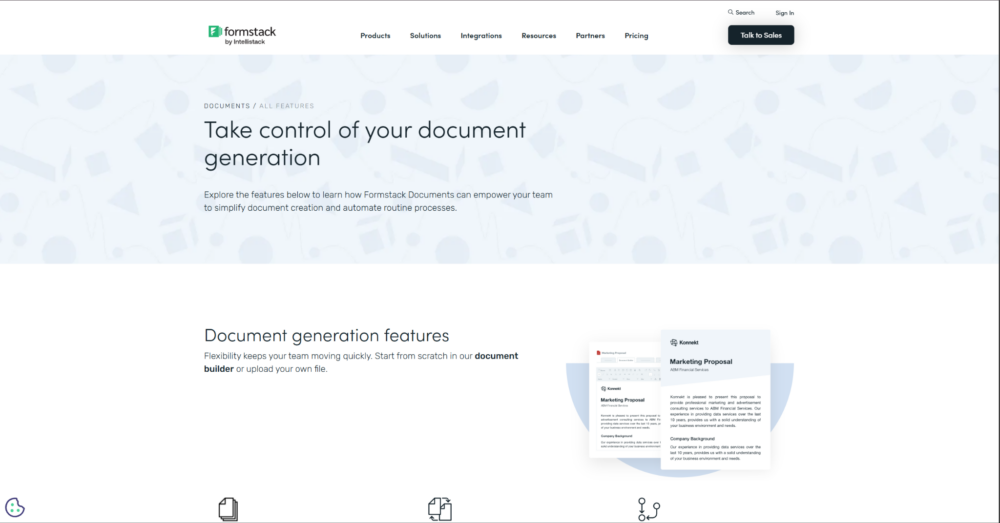
Formstack Documents focuses heavily on document automation, approvals, and browser-based workflow generation. PDF handling exists alongside automated document creation and structured business processes. The platform feels process-oriented rather than centered around casual editing. Onboarding workflows, recurring paperwork, approvals, and remote business operations all fit here. Automation drives much of the workflow structure.
Designed Around These Needs
Formstack Documents works especially well for remote businesses and teams repeatedly generating, routing, approving, and distributing documents online. The platform becomes more valuable when workflows depend on repetitive document handling every day. Automation helps reduce manual administrative work.
The service becomes especially practical when workflows rely heavily on recurring document generation and structured approvals. Strong points include:
- Browser-based document automation workflows;
- Structured approvals and file routing;
- Automated PDF generation tools;
- Cloud-connected remote business handling;
- Workflow-focused document organization.
Formstack Documents fits teams prioritizing process consistency and automation over lightweight one-time editing workflows. The platform works best inside structured business environments.
7. DocuSign
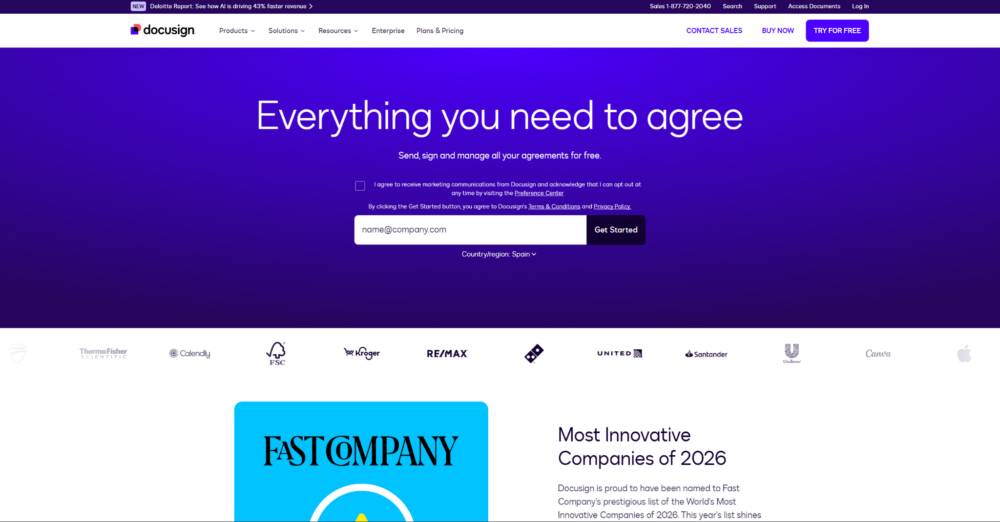
DocuSign is a platform centered around signatures, approvals, document routing, and enterprise-style remote workflows. PDF handling exists alongside structured approval systems, authentication tools, and cloud-connected document processes. The platform feels more workflow-oriented than editing-oriented. Remote agreements, approvals, enterprise collaboration, and distributed business operations all rely on this kind of tool. Trust and process control remain central to the workflow design.
Best Suited For
DocuSign works especially well for businesses handling contracts, approvals, signatures, and compliance-focused workflows across distributed teams. The platform becomes especially valuable when documents pass through multiple approval stages before completion. Reliability and workflow structure matter more here than lightweight editing speed.
The platform becomes especially practical when organizations need predictable document routing and approval handling across remote teams. Key features include:
- Browser-based signature and approval workflows;
- Structured document routing systems;
- Cloud-connected remote collaboration tools;
- Enterprise-oriented handling for agreements and approvals;
- Workflow consistency across distributed teams.
DocuSign fits organizations prioritizing signatures, approvals, and workflow reliability over casual browser editing. The platform focuses heavily on structured document movement and process control.
Final Thoughts
Browser-based PDF platforms now cover far more than simple editing or file conversion. Some prioritize lightweight watermarking and quick browser handling. Others focus on collaboration, automation, signatures, approvals, or structured remote workflows. Workflow style matters more than raw feature count when comparing platforms. Each tool in this list solves a different kind of document workflow problem.
Freelancers, agencies, educators, remote teams, and businesses all approach document handling differently depending on how they review, approve, organize, and share files. Some users prioritize quick browser editing. Others rely more heavily on collaborative workflows or structured approval systems. Pick the platform that fits naturally into your workflow instead of chasing the most feature-heavy system available.